





Get support for your Harmonic solutions
Need some technical support? Lost your password to connect to a Harmonic product? Our team of experts is here to help!
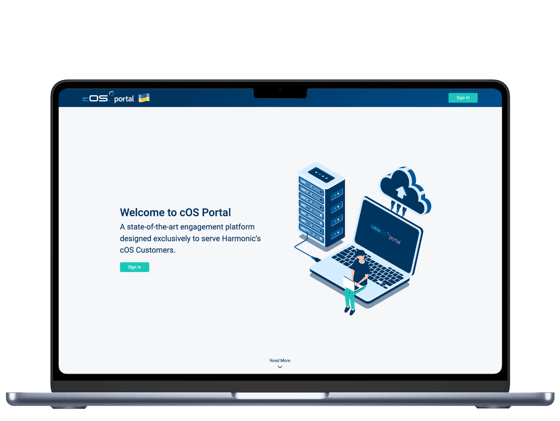
Our team is here 24/7 for your support
Having issues with your portal access? No current SLA in place? We've got you covered. Reach out to Harmonic with one of the options below.
Frequently asked support questions
How do I access the broadband Help Center?
Sign in using your Harmonic Okta credentials.
I can’t log in. What should I do?
Contact your organization’s Customer Manager (cOS Portal admin). They can help with access and password resets.
How do I reset my password?
Password resets are handled by a Customer Manager in your organization via user management in cOS Portal (reset password).
How do I onboard a new user?
A Customer Manager can invite users for your organization in the cOS Portal. Personal email addresses are not allowed (organization email only).
How do I change my security question?
Log in to your Harmonic Okta dashboard, go to settings, and edit the forgotten password question. It’s required for password recovery.
How do I change language or time zone?
In the Help Center, open your profile (top right) → Profile, then update language and time zone preferences.
How do I create a support ticket?
In the Help Center, select the relevant portal, choose the request type, complete the form fields, and submit.
How do I view my open tickets or past requests?
In the Help Center, click View all requests, or open your profile menu → Requests.
Take your technical support further
Our teams can support you in many ways.